Tags
Working with tags in your Radist.Online personal cabinet: create a tag with a name, description, and color, preview it, and edit it later from Settings.
Settings –> Tags (the section is NOT available for employees with the “Manager” role)
Video on working with tags in your personal cabinet 👇
https://disk.yandex.ru/i/TWrUn0Vbi76f_A
Create tag
- Go to Settings - Tags - Click “Create Tag”.
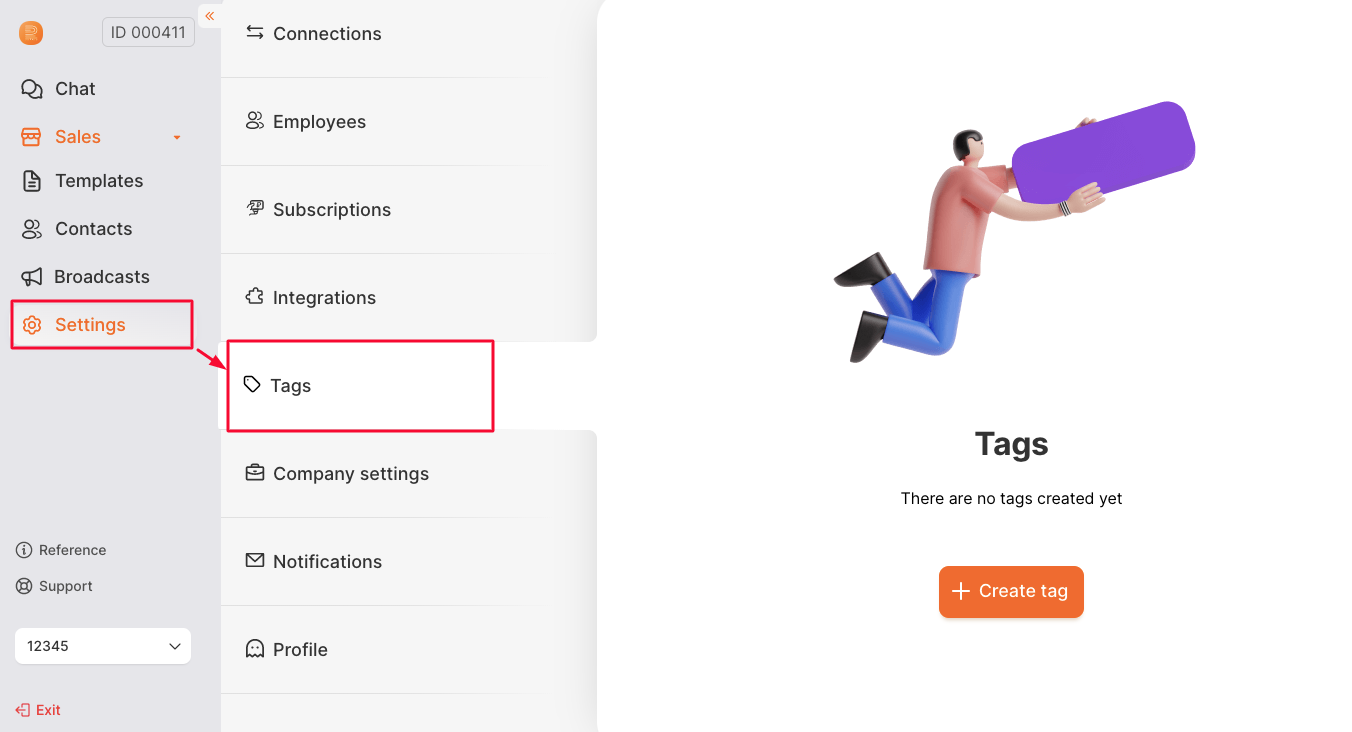
- This will open a window for creating a tag.
Fill in:
- tag name (maximum 15 characters)
- description (up to 256 characters, if desired)
- tag color
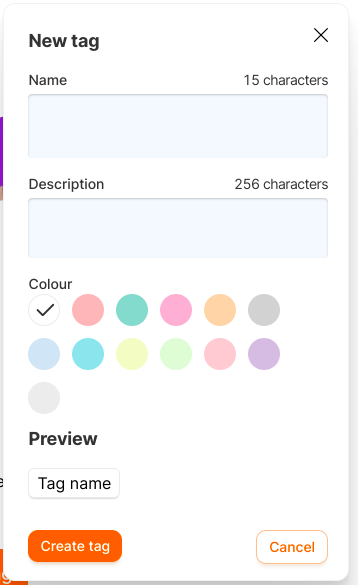
- There is a preview of the tag.
If you like it, click “Create tag”.
- The created tag will appear in the list of all tags.
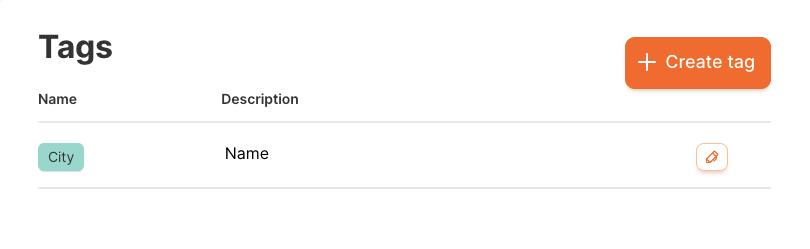
Tags cannot be deleted, Only edited
- The tag can be edited.
Last updated on