Installation and configuration of the integration
Install and configure the WABA + amoCRM (Kommo.com) integration: connect via Settings, authorize, link phone numbers, and pick the funnel and stage for deals.
Installation of the integration
To find the list of available integrations, go to Settings –> Integrations (the section is not available for employees with “Manager” functions)
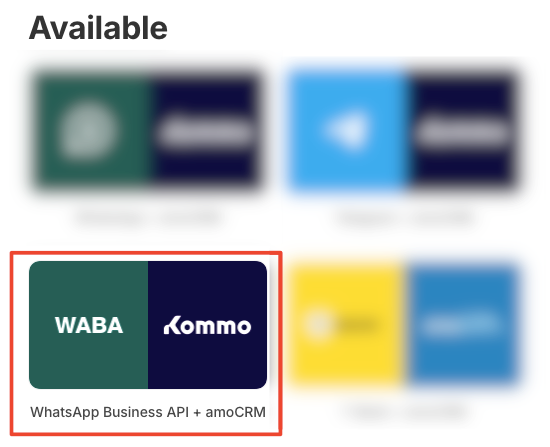
By clicking on the integration in the “Available” section, a window opens with a description of the integration’s functions and a button to connect the integration.
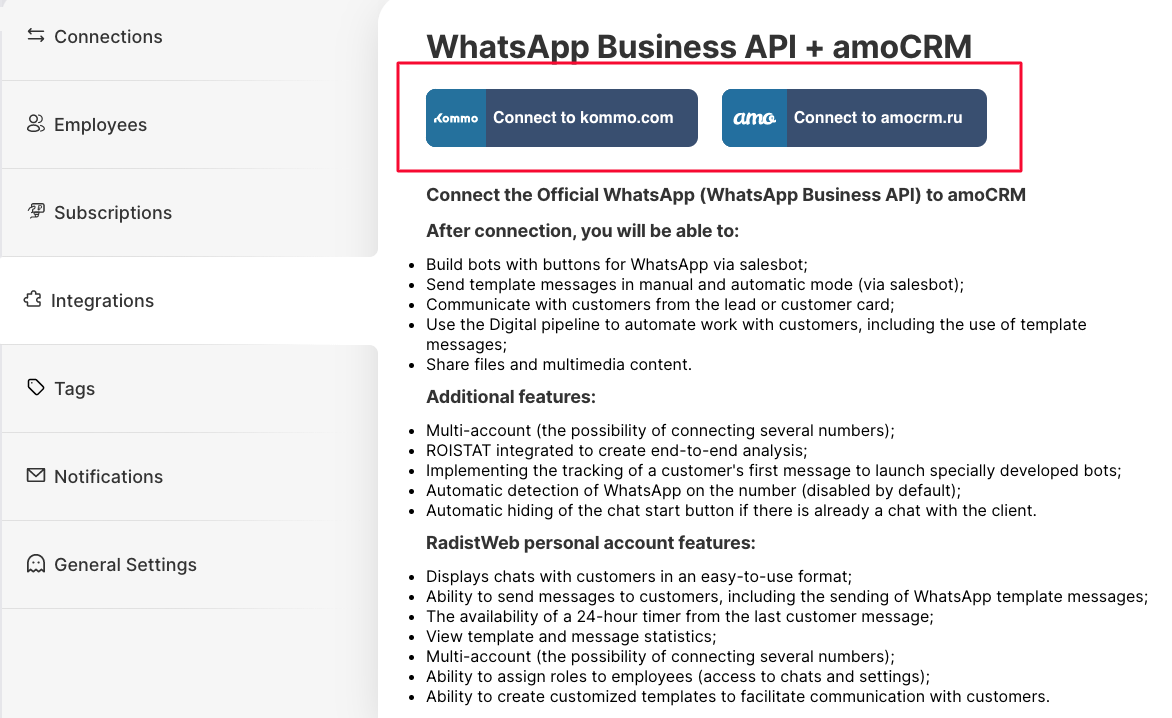
On this page you will need to enter the authorization data to associate the personal Radist Web account and Kommo.com:
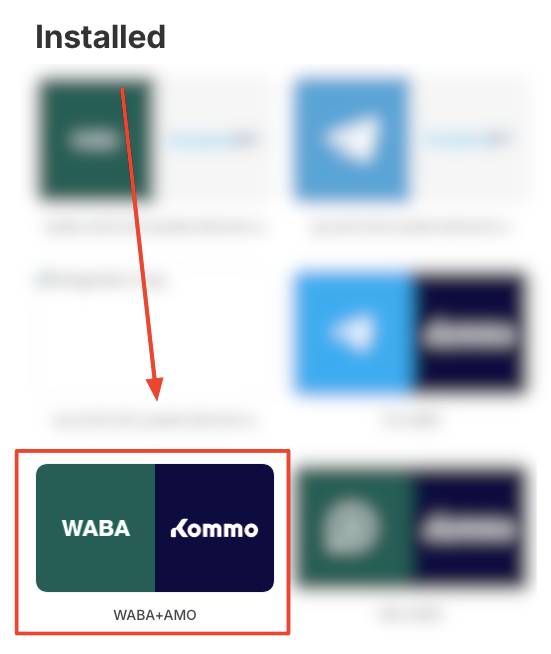
Once authorized in Kommo.com, the integration will be automatically added to the “Installed” category".
The integration will also be placed in the “available” category, since, if necessary, you can connect the integration to another Kommo.com (AmoCRM) domain:
Integration settings
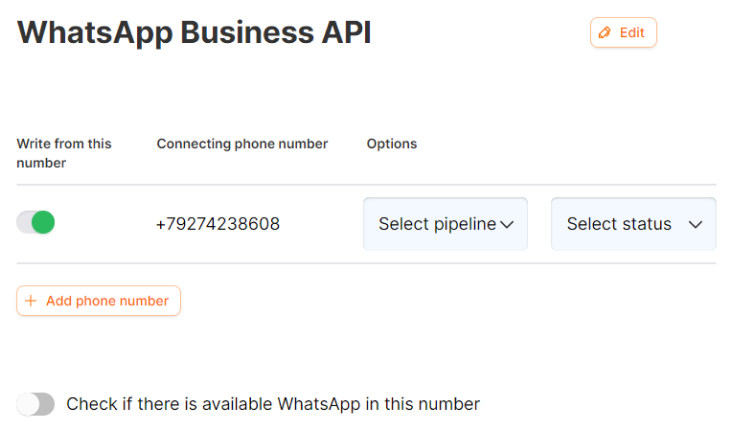
Clicking on the “Waba + amoCRM (Kommo.com)” integration from the installed integrations category a setting window will be displayed. Here you can link the phone numbers with the integration if these numbers are already added in Radist Web (how to add numbers to Radist Web here), select the funnel type and stage (the data is sourced from your Kommo.com).
The integration name can be changed to any name you want. This feature makes it easy to use, especially if you have several Waba+amoCRM (Kommo.com) integrations connected to different domains.
Responsible employee for a connection
In the integration settings each number or bot has an “Employee” column. The employee you choose there is automatically set as the responsible user in the deals and contacts created from the chats of that number or bot.
- The list of employees comes from Kommo.com (amoCRM) itself, not from your RadistWeb staff — these are two different lists. Start typing a name to filter the list.
- The field is optional. Leave it empty or clear it at any time — the integration keeps working, and deals are created for the integration owner, as before.
- Choosing an employee does not restrict anyone else by itself: all your staff can still write first from this number — unless you turn on the switch described below.
- One employee can be responsible for several numbers or bots.
- The “Incoming leads” (“Unsorted”) pipeline is an exception. If deals are created there, the responsible user from this setting is not applied — the rules of incoming leads work instead. If the responsible user matters to you, set up deal creation in a separate pipeline.
- If the chosen employee is deleted in Kommo.com (amoCRM), the field becomes empty and new deals are created for the integration owner again.
Only the responsible employee can write first
Under the list of numbers in the integration settings there is a switch that lets only the responsible employee write first from a number. Use it when every number has its own employee and customers must not get a first message from someone else’s number.
When the switch is on, a number with an assigned employee is shown only to that employee in the list of channels for starting a new chat in Kommo.com (amoCRM). Other employees don’t see the number there and can’t start a conversation from it.
- Numbers without an assigned employee stay available to everyone. The restriction applies only where a responsible employee is selected.
- It only affects first messages — when an operator starts the conversation. Incoming messages and replies in existing chats are distributed as before, by Kommo.com access rights and deal distribution.
- The switch is off by default, so nothing changes until you turn it on. Save the changes after switching it on.