Tags in contacts
How to add and remove tags in contacts in Radist Web: pick tags from the list to organize client profiles and filter your contacts faster.
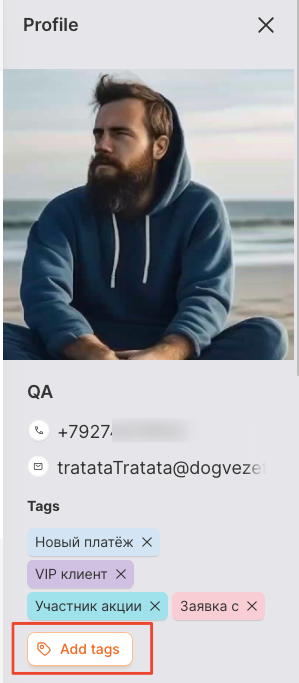
- To add a tag in your contact profile, click “Add Tags”.
To create tags go to the “Tags” section.
- Select the desired tags from a list of all possible tags.
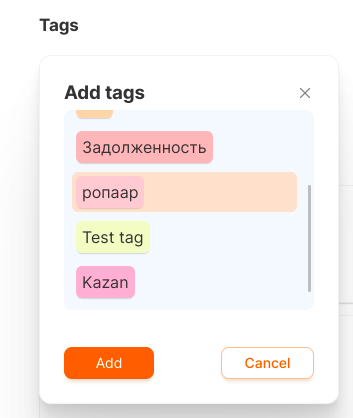
- Click “Add”.
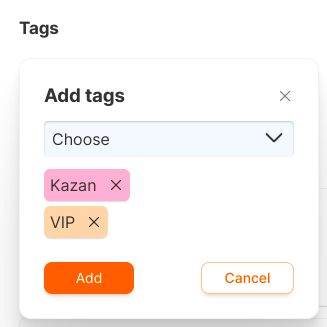
The added tags will appear in your profile.
The tag can be removed by a cross.
Last updated on