Sort, filter and find contacts
How to sort, filter and find contacts in Radist Web: order your list, filter clients by one or more tags, and search by name, phone or email.
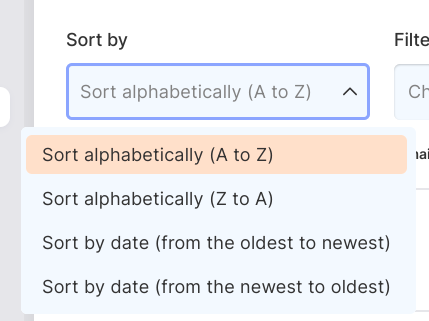
Sort
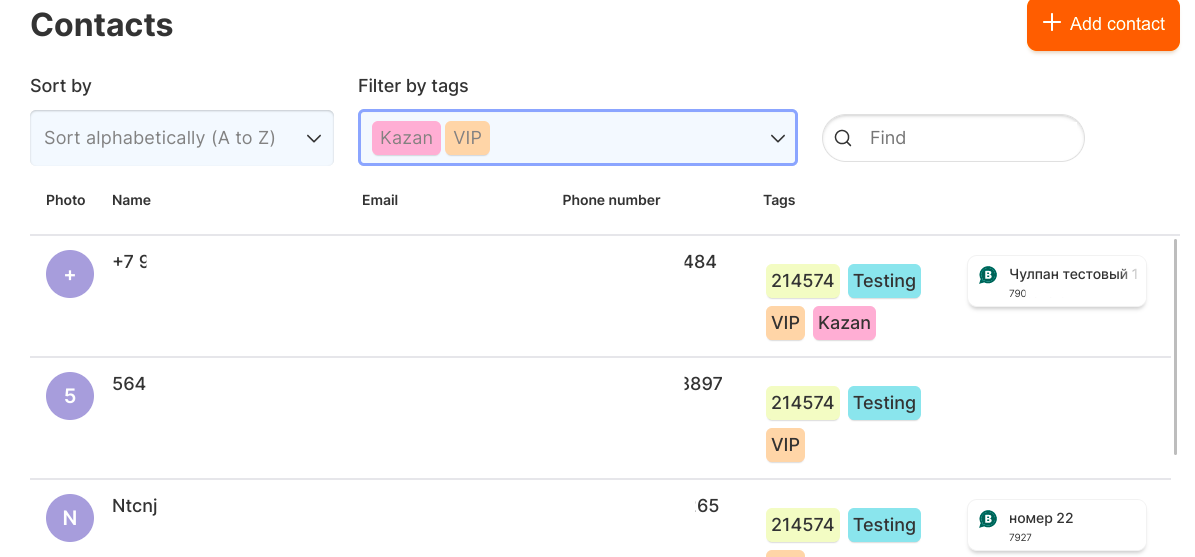
Filtering by tags
If you select multiple tags to filter, customers who have at least one of these tags will show up.
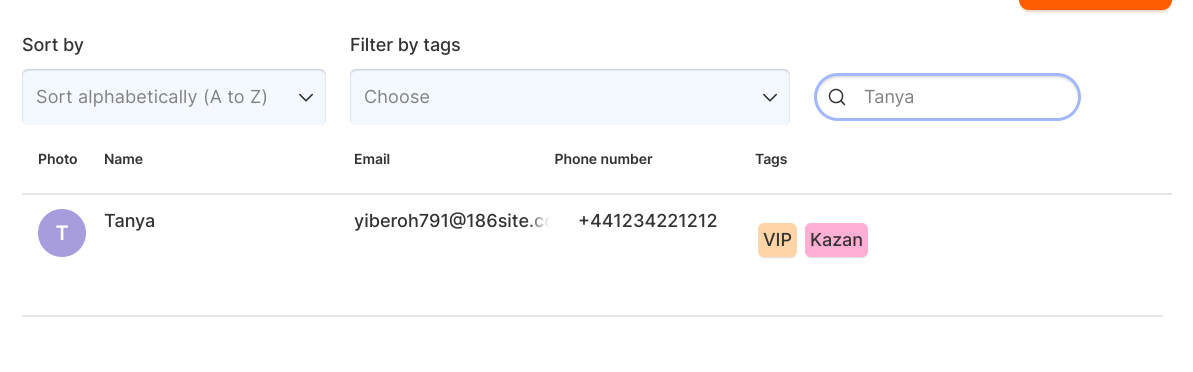
Find
The search works on the field “First name, last name, phone number, e-mail.
Last updated on