Notes in contacts
Learn how to create, edit and delete notes in contacts in Radist Web, view note history with author and date, and keep client details in one place.
In the contact profile, you can edit, delete, and create notes.
Create a note
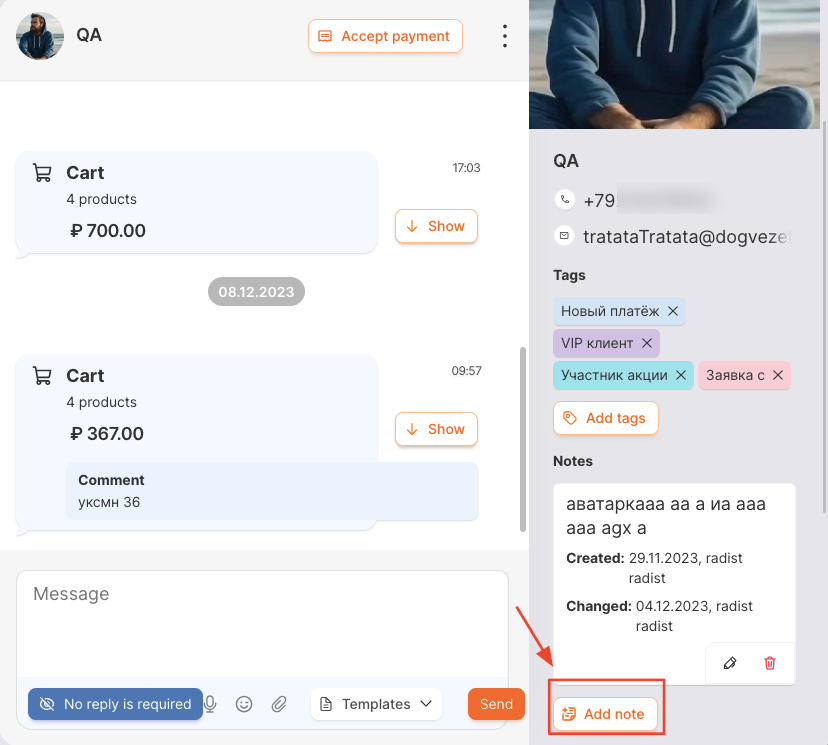
The note is added by clicking the “Add Note” button in a contact’s full profile or in a contact’s profile from the chat.
Edit Note
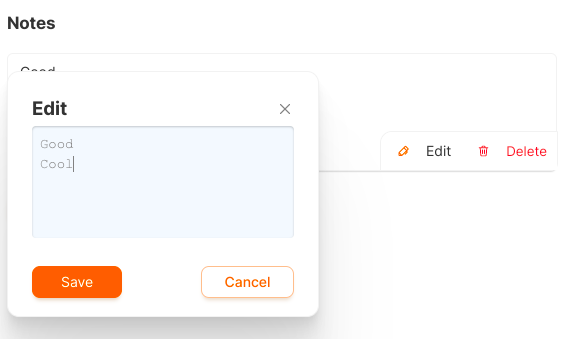
- The “Edit” button will open a window for changing the text.
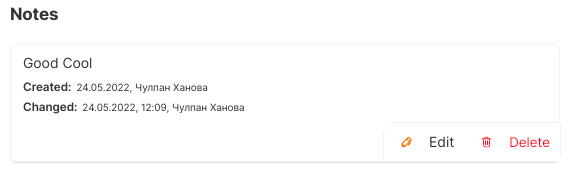
- The date of modification, creation, responsible user are stored in the note history.
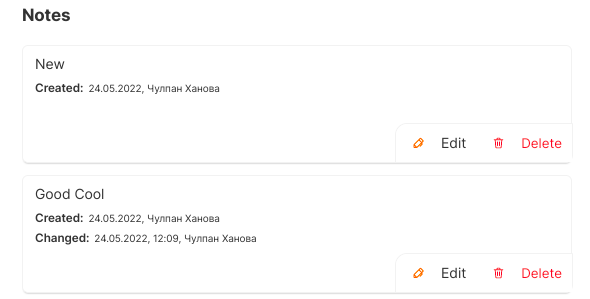
- Newer notes are located above.
- The “Delete” button deletes the note immediately without confirming the action or allowing you to restore the note.
Was this article helpful?
Last updated on