Contacts
The Contacts section in Radist Web shows everyone you chat with: create and edit contact profiles and jump straight to chats with each client.
The “Contacts” section is available for all employee roles.
This section displays all contacts with whom you correspond.
You can create a new contact, edit a contact’s profile, go to chats with these contacts.
All phone numbers are automatically displayed with +7.
Together with the clients’ avatars there will be a + sign or the first letter of the name.
Video on working with contacts in your personal cabinet 👇
https://disk.yandex.ru/i/653Aj19ud2LHPw
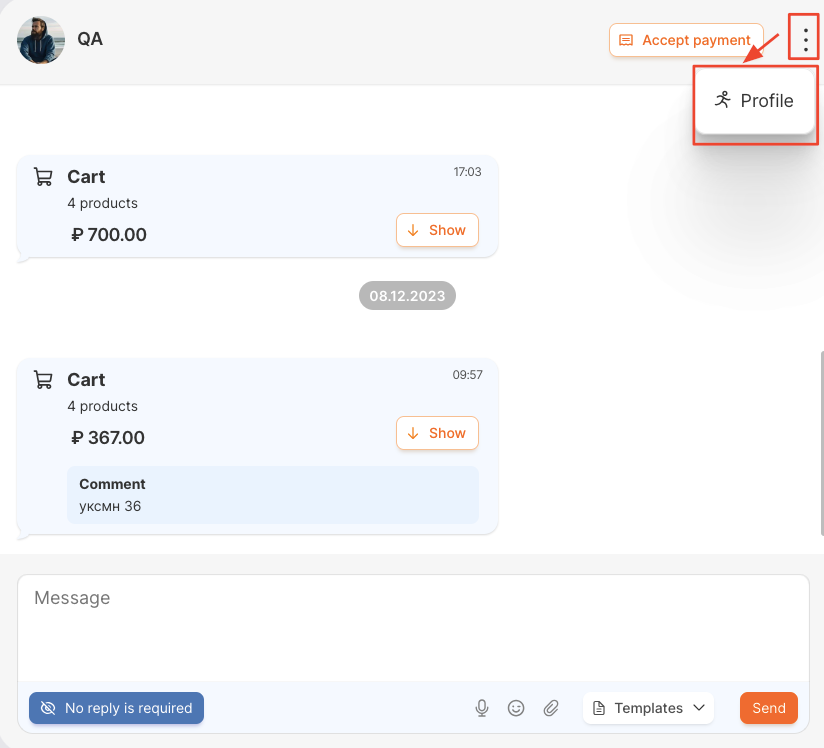
It is possible to go to a contact’s profile from the chat.
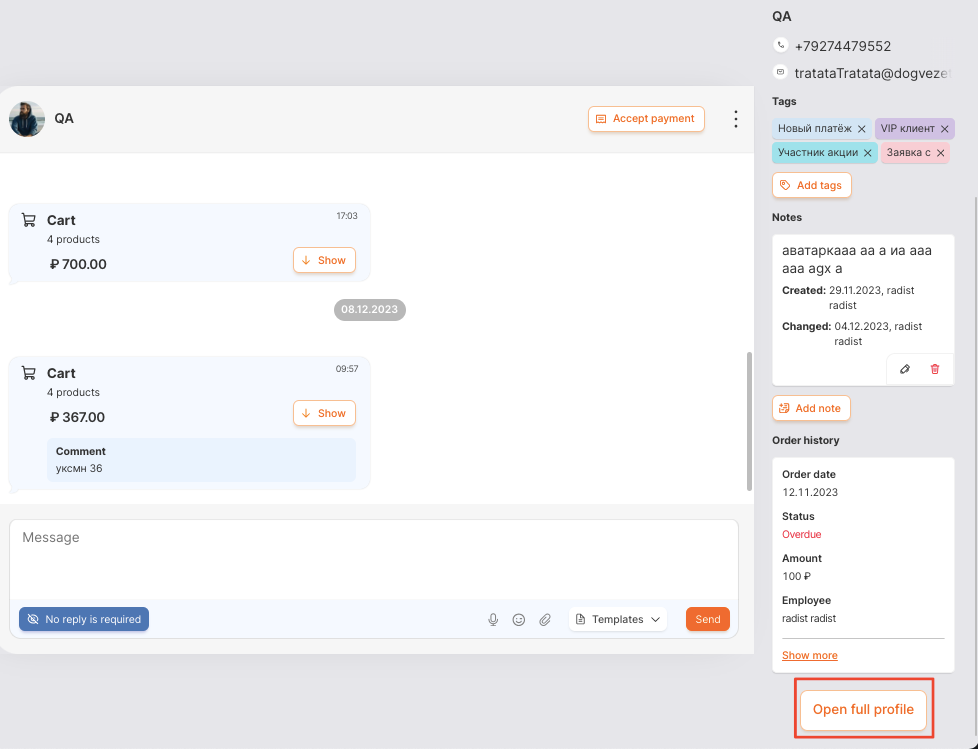
From the short profile, you can go to the full contact profile.
Last updated on