How VK Community chats work in RW
Learn how VK Community chats work in RadistWeb: private messages and group conversations, supported message types, and the conditions needed to receive them.
Two types of VK chats are supported in RadistWeb:
1. Private message to the community
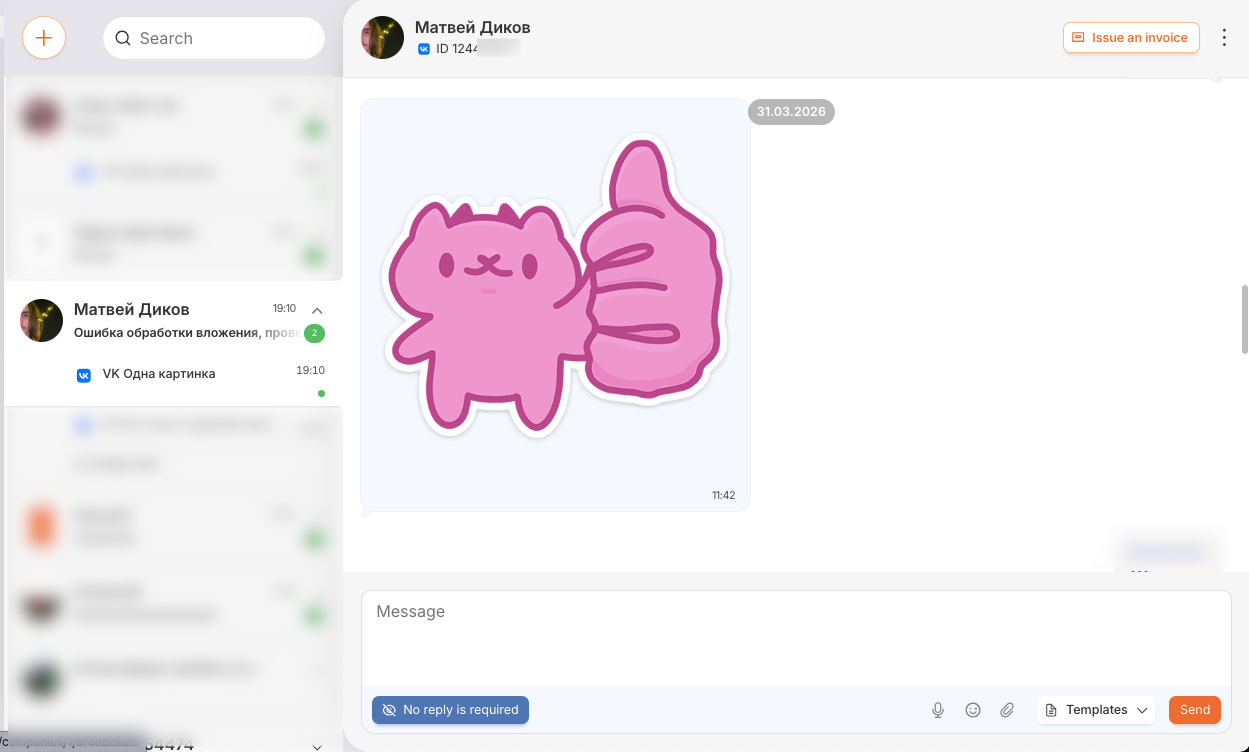
A VK user writes to your community’s private messages.
Features:
- One chat per user. Repeated messages end up in an existing chat (without duplicates).
- The chat header displays the VK user’s profile name and ID.
2. Group chat (conversation)
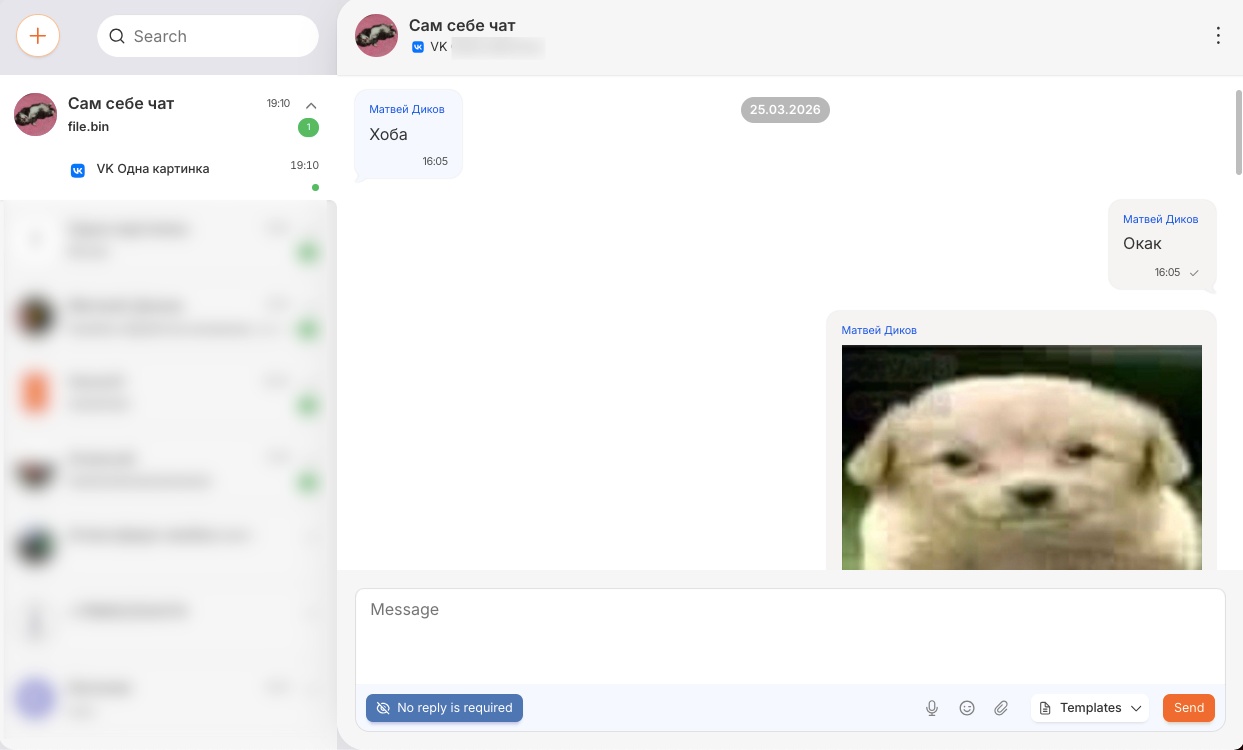
A VK user creates a group chat (conversation) and adds your community to it.
⚠️ Required conditions
- the community has been added to the chat
- the community is the administrator
💡 If it doesn ’t work
Check that the community has admin rights in the chat.
Features:
- Full-fledged operation is supported: receiving and sending messages in a group chat.
- Important: Outgoing messages will not display the “Read” status (a limitation of the VK API).
- The name of the group chat is displayed in the chat header.
- In order for messages from a group chat to reach RadistWeb, the community must be an administrator in this chat.
How to enable the ability to add to group chats:
In the VK community settings: Manage → Messages → enable the “Add community to conversations” option.
Supported message types
| Sending (from RadistWeb) | Receiving (in RadistWeb) |
|---|---|
| Text messages | Text messages |
| Pictures | Pictures |
| Voice messages | Voice messages |
| Files / Documents | Files / Documents |
| — | Posts, products, videos, music (displayed by links) |
Posts, products, videos, and music come in the link format.
The VK API does not provide the ability to download these types of content. A link is displayed in the chat where you can view the content directly on VKontakte.