How to connect VK Communities to RadistWeb
How to connect VK Communities to Radist Web: create the community access key, set the required rights, paste it into the field and enable group chats.
How to connect VK Community
Go to the “Connections” → VK Communities
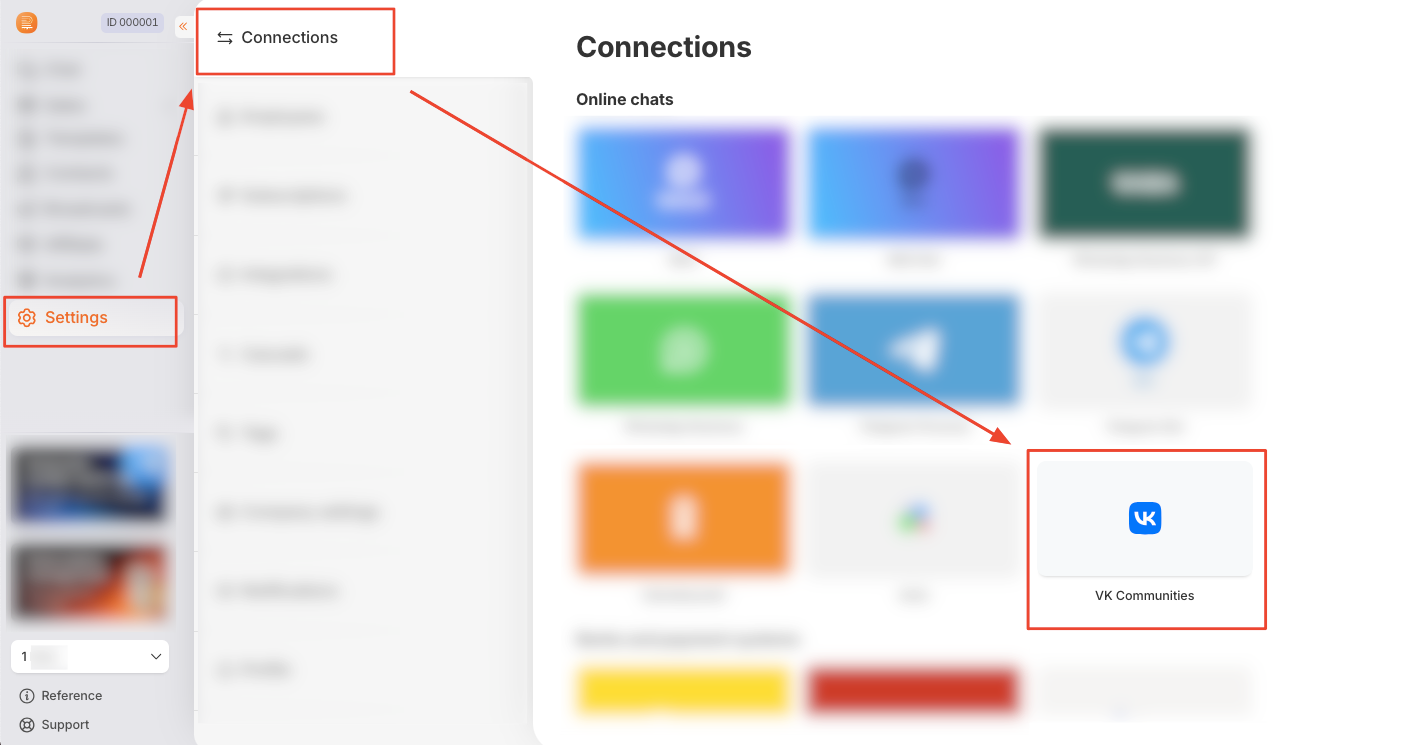
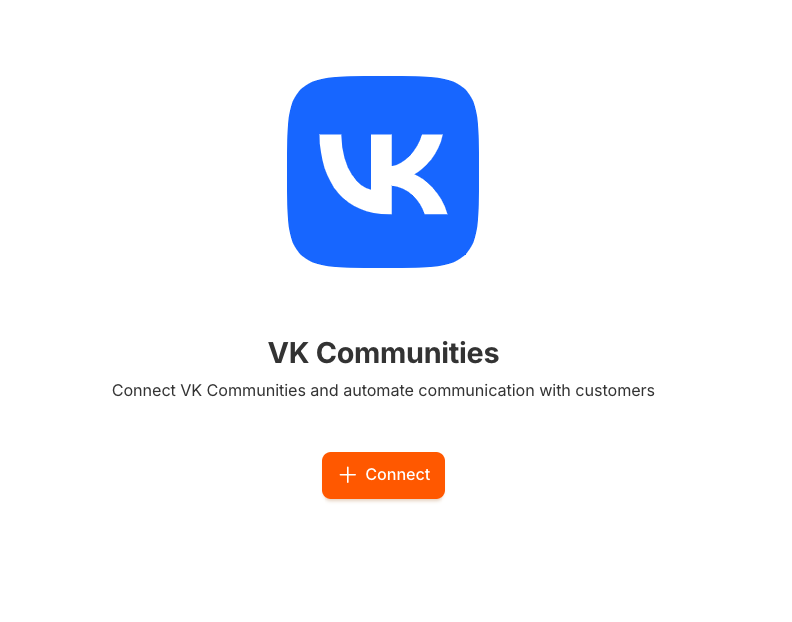
Click the “+ Create” (or “+ Connect”) button.
On the page that opens, fill in the “Access Key” field — this is the access token of your VK community.
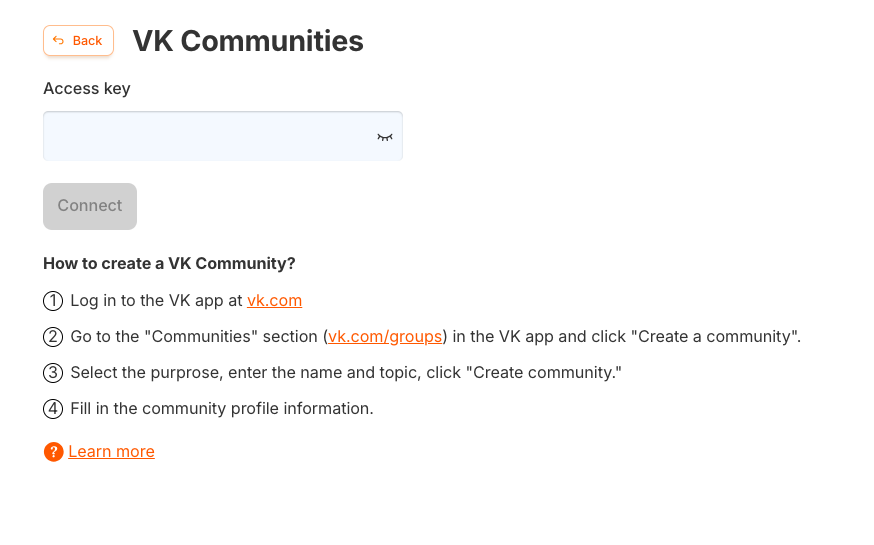
A brief instruction on how to obtain an access key is provided below and on the connection creation page.
How to get the VK Community access key
- Go to your VK community → Management.
- Go to the “Advanced” section
- In the left menu, select “Working with API” → “Access keys” → Click “Create key”
- In the window that opens, select the necessary access rights (It is important to allow access to the first 4 items).
- Copy the received key and paste it into the field in RadistWeb.
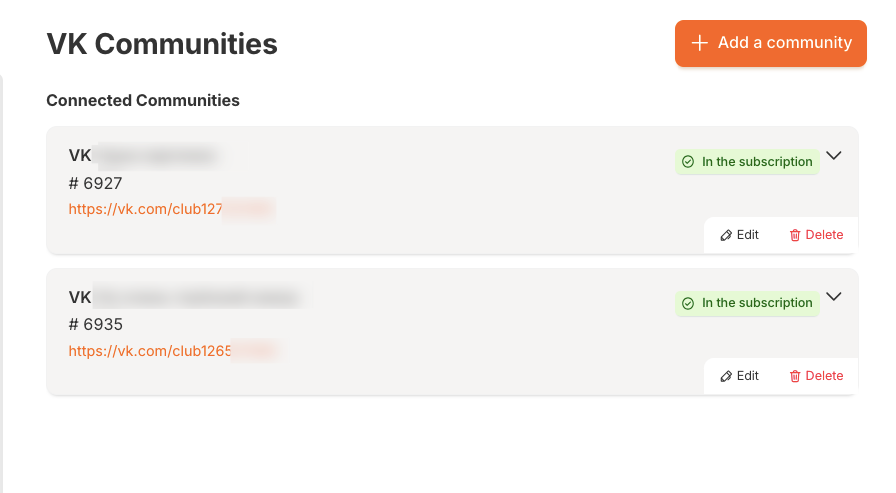
The created connection looks like this:
Editing a connection
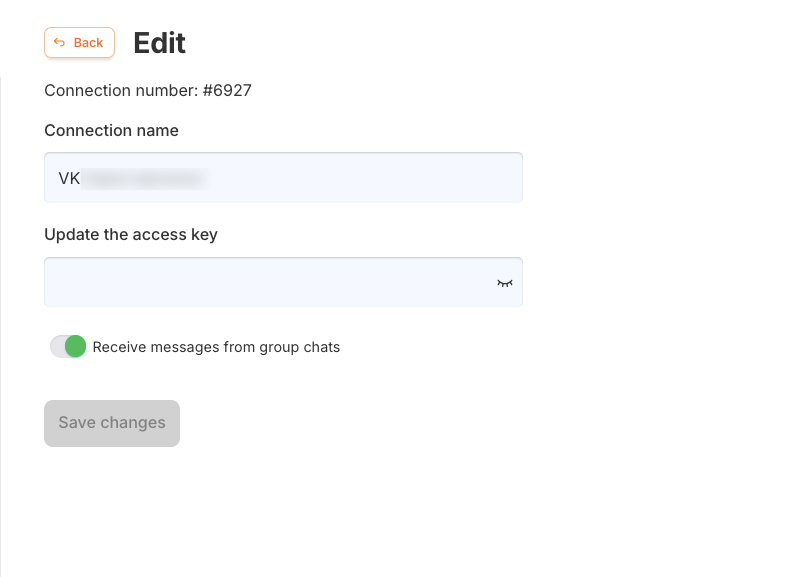
On the connection editing page, you can:
- See information about the VK community (name, ID).
- Change the connection name.
- Update the community access key.
- Enable group chats (if conversation support is required).
To save the changes, click “Save Changes”.
Was this article helpful?
Last updated on