How to connect Avito to RadistWeb
How to connect Avito to Radist Web step by step: log in via Avito, confirm profile access, and edit or reauthorize the connection when needed.
How to connect Avito
Go to the “Connections” → Avito
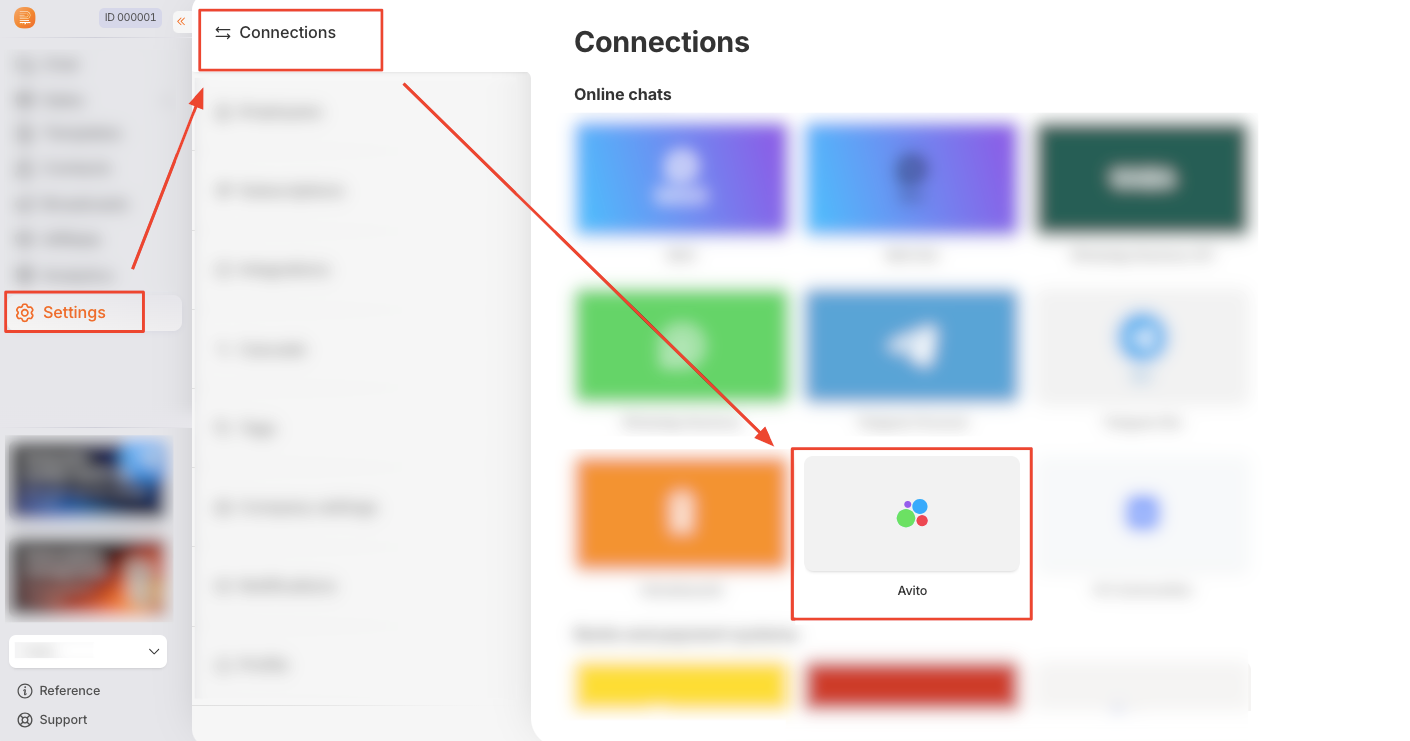
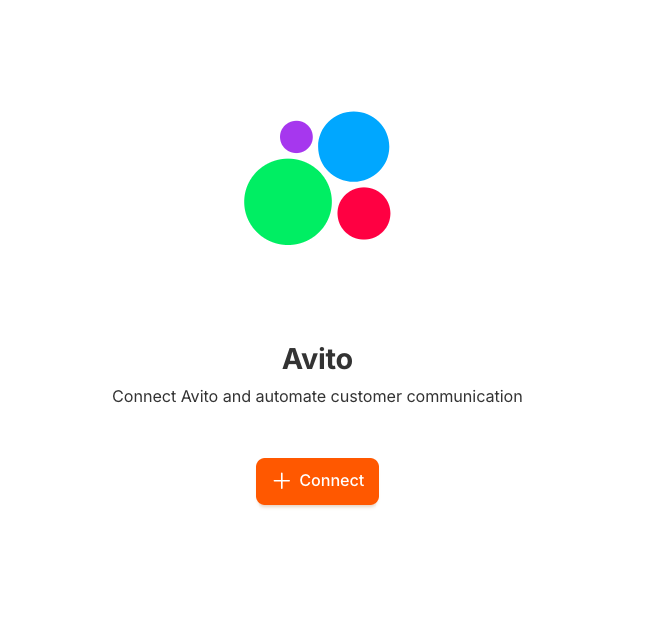
Click the “+ Create” (or “+ Connect”) button.
On the page that opens, click “Login via Avito”.
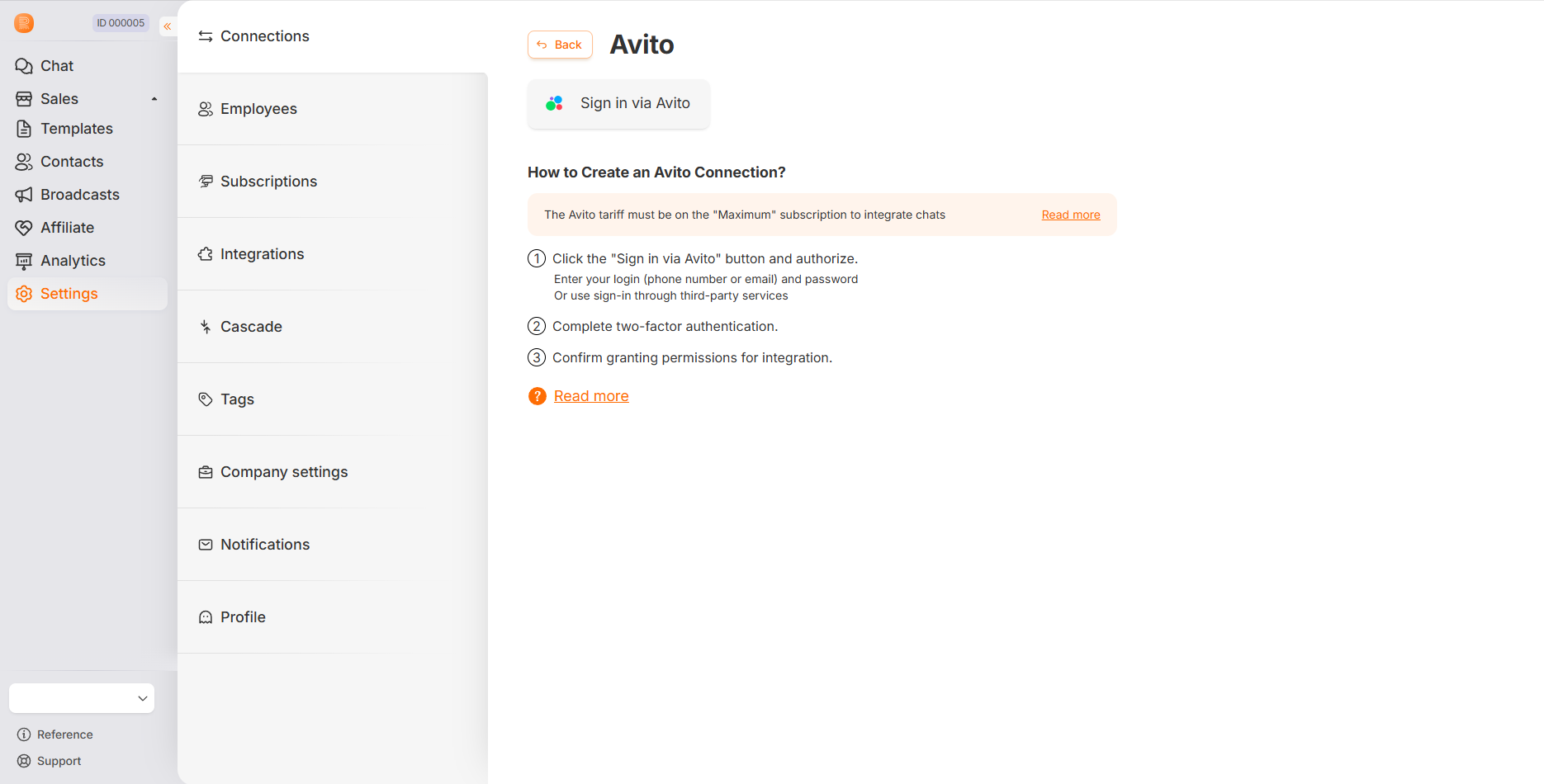
Log in to the Avito website (confirm access to your profile).
💡After authorization
- The connection will be created automatically
- and the name will be pulled up from the Avito profile.
If necessary, you can change the connection name.
The added Avito connection looks like this:
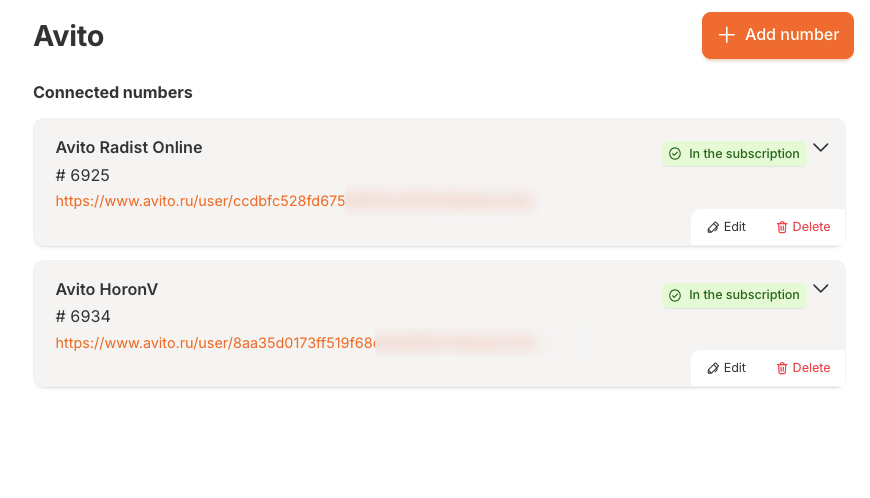
Editing a connection
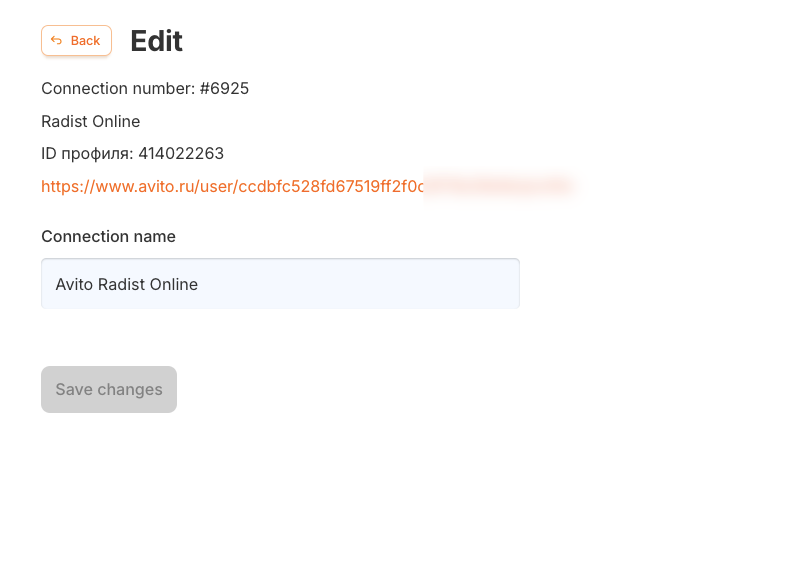
On the connection editing page, you can:
- See the Avito profile information.
- Go to the Avito profile via a direct link.
- Change the connection name.
- Reauthorize (if necessary).
If the connection to the Avito profile is lost, you may need to reauthorize by clicking the “Log in again” button. Next, you will need to re-log in through Avito.
To save the changes, click “Save Changes”.
Was this article helpful?
Last updated on