Message statuses: did the message reach the client
Message statuses in RadistWeb: what the check marks mean in each messenger, why a message is stuck as Sent or failed with an error, and what to do.
Every outgoing message in a chat has a status. It shows where the message is now: it has left Radist.Online, reached the client, been read — or something went wrong on the way.
The message path: Sent → Delivered → Read. If the messenger refused to accept it — Error.
What do you see
| In the chat | Where to look |
|---|---|
| One gray check mark that doesn’t change | One gray check mark is stuck |
| The message is red with a red “!” icon | The message failed with an error |
| Two check marks, but the client says they saw nothing | Delivered, but the client didn’t see it |
What each status means
Sent — one gray check mark. The message has left Radist.Online for the messenger.
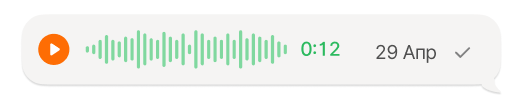
Delivered — two gray check marks. The messenger confirmed delivery.
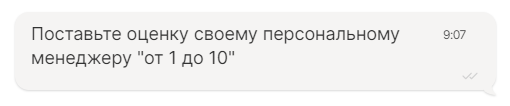
Read — two green check marks. The client opened the message.
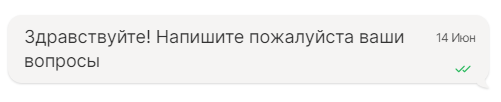
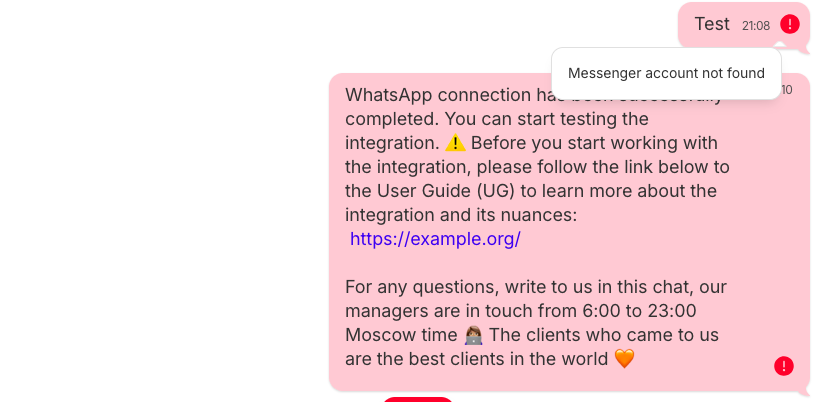
Error — the message background turns red with a red “!” icon. Hover over the icon to see the reason. What it means is covered below in The message failed with an error.
Statuses in each messenger
Messengers report delivery differently, so the same status means slightly different things.
| Messenger | “Delivered” means | “Read” | Can stay “Sent” for a long time |
|---|---|---|---|
| the message reached the client’s phone | yes, unless the client turned off read receipts | yes | |
| WhatsApp Business API | the message reached the client’s phone | yes, unless the client turned off read receipts | yes |
| Telegram | Telegram accepted the message | yes | no |
| Telegram Bot | Telegram accepted the message | no | no |
Telegram Bot has no “Read” status at all: Telegram doesn’t tell bots whether a person opened the message. Its last status is “Delivered”.
One gray check mark is stuck
This only happens in WhatsApp and WhatsApp Business API. In Telegram and Telegram Bot the message becomes “Delivered” or “Error” within a few seconds. If one check mark stays there for more than a few minutes, contact our support.
The check mark is stuck for one client
The message hasn’t reached the client’s phone yet. Usually the cause is on the client’s side:
- the phone is off or offline;
- WhatsApp isn’t running on the phone;
- the client blocked your number — WhatsApp doesn’t report this, the message just stays with one check mark.
When the client’s phone comes online, the message is delivered automatically and the status changes to “Delivered”. Sometimes this takes several days. There’s no need to send it again: the client will get both messages.
The check mark is stuck for all clients of one number
If every message from a number stays with one check mark and no new incoming messages arrive, the problem is not with the clients but with the connection. Check the connection status in the personal account: “Settings” → “Connections”.
The message failed with an error
An error almost always arrives right away, within seconds of sending. If there’s no error after a few minutes, most likely there won’t be one: the message will either be delivered later or stay “Sent”.
Hover over the red “!” icon to see the reason. It comes either from Radist.Online or from the messenger itself.
Errors from Radist.Online
Messenger account not found — there is no account in this messenger on the contact’s phone number. Write to the client in another messenger.
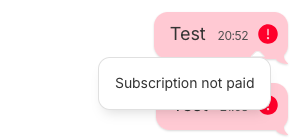
Subscription not paid — the connection’s subscription has ended. Check it in the “Subscriptions” section.
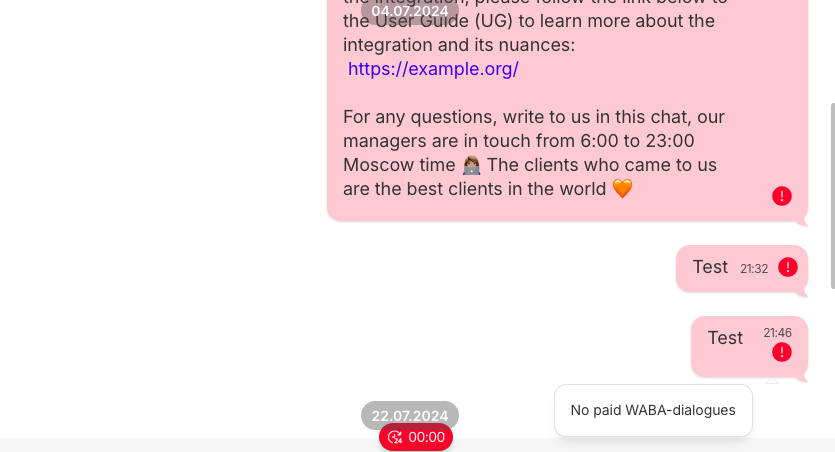
No paid WABA dialogues — the WhatsApp Business API connection has run out of templates, so a conversation can’t be started. Top up the balance — see How subscriptions are paid. The “Subscriptions” button is visible only if the employee has access to that section.
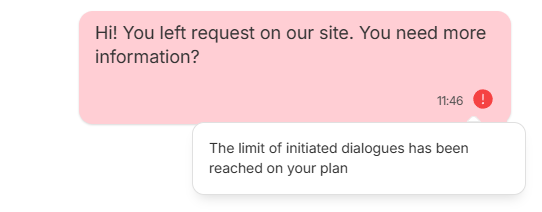
The limit of initiated dialogues has been reached on your plan — the “Initial” tariff has run out of new conversations that you start first. You need the “Standard” tariff.
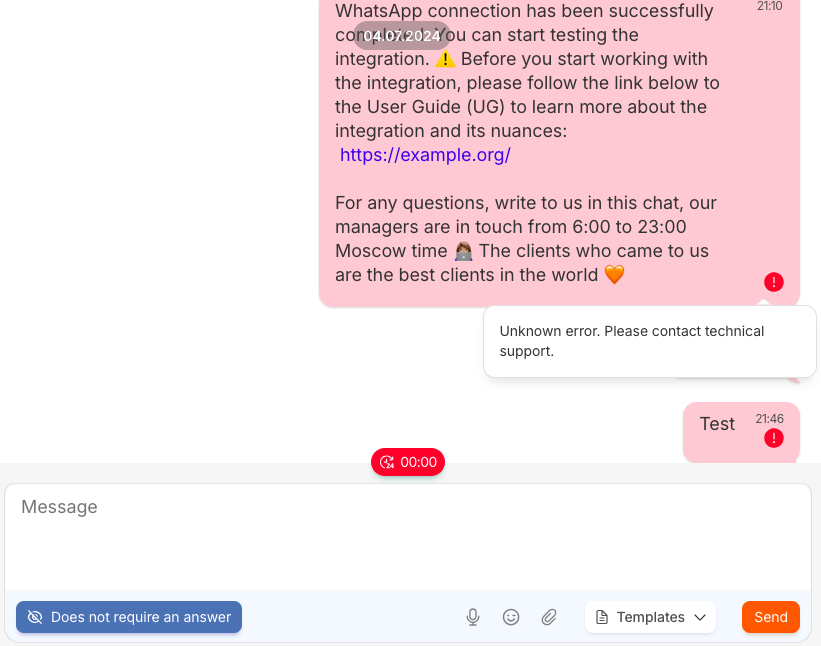
Unknown error. Please contact technical support — the messenger didn’t report the reason. Contact our support and include your RadistWeb account ID and the client’s number or username — without them we can’t find the message in the logs.
Errors from WhatsApp Business API
From the most common to the rarest.
| Error text | What happened | What to do |
|---|---|---|
| Message undeliverable | The number isn’t on WhatsApp, the client hasn’t accepted WhatsApp’s new terms, or their app is very outdated | Check the number. Contact the client another way |
| This message was not delivered to maintain healthy ecosystem engagement (code 131049) | WhatsApp limited marketing messages to this person: no more than two marketing templates a day if the client doesn’t reply | Wait a day or send a Utility template |
| Re-engagement message | More than 24 hours have passed since the client’s last message | Send a template |
| User’s number is part of an experiment | The number is in a Meta experiment: these people don’t receive marketing templates | Retrying won’t help. Ask the client to write to you first, then send a Utility template |
| number of localizable_params does not match | The template has a different number of filled variables than it expects | Make sure all the template variables are filled in |
Errors from Telegram
| Error text | What happened | What to do |
|---|---|---|
| Flood error (account is probably restricted, check @spambot) | Telegram restricted your number for spam | Check the number with @SpamBot. See Telegram restrictions and number bans |
| Forbidden (due to recipient privacy settings or block) | The client blocked you or doesn’t accept messages from strangers | Contact the client another way |
| Recipient account deactivated or deleted | The client deleted their Telegram account | Contact the client another way |
Telegram Bot — Forbidden: the client stopped or blocked the bot. You can write to them again only after they start the bot themselves.
Delivered, but the client didn’t see it
“Delivered” doesn’t mean “read”. Two gray check marks say the message got through, but the client may not have opened it: notifications are off, the chat is archived or has dropped down the list.
In Telegram and Telegram Bot, “Delivered” means even less: the messenger accepted the message but can’t report delivery to the phone. If the client doesn’t reply, remind them in another messenger.
Statuses in Kommo
Statuses are also visible in the Kommo chat — even for messages sent outside Kommo: from the RadistWeb personal account or straight from the phone. The status updates by itself: “Sent”, “Delivered”, “Error”.
Frequently asked questions
How long until “Sent” turns into “Error”?
Almost never. An error almost always arrives within seconds of sending. If there isn’t one, the message will either be delivered later — in WhatsApp this can take several days — or stay “Sent”.
Can I find out whether the client read a bot’s message?
No. Telegram doesn’t tell bots about reads, so the last status in Telegram Bot is “Delivered”.
Should I resend a message stuck with one check mark?
Not in WhatsApp: when the client’s phone comes online, both messages will arrive. It’s better to write in another messenger or set up a cascade.
Why don’t older Telegram Bot messages have the “Delivered” status?
The “Delivered” status for Telegram Bot appeared in May 2026. Messages sent earlier don’t have it — that’s normal.