End-to-end analytics in RadistWeb
End-to-end analytics in RadistWeb: the section has moved to "Settings". Copy the tracker code, connect it to your site and check the connection status for WABA and Telegram in Kommo.
The “End-to-end analytics” section is only visible to employees who have been granted the right with the same name. The right used to be called “Analytics” — it moved together with the section, you do not need to grant it again.
You can set up access rights according to the instructions: “Employees: granting rights”
Analytics metrics are only active for WhatsApp Business API, WhatsApp Business all tariff, Telegram Bot and Telegram Personal.
More information about the tariffs: https://docs.radist.online/docs/our-services/subscription-tariffs
End-to-end analytics is a tool for evaluating the effectiveness of an advertising channel. Using end-to-end analytics in Kommo. data is collected about where the client came from to chat with your company.
In “Settings” → “End-to-end analytics” you can copy the tracker code via the “Copy Code” button to connect it to your site.
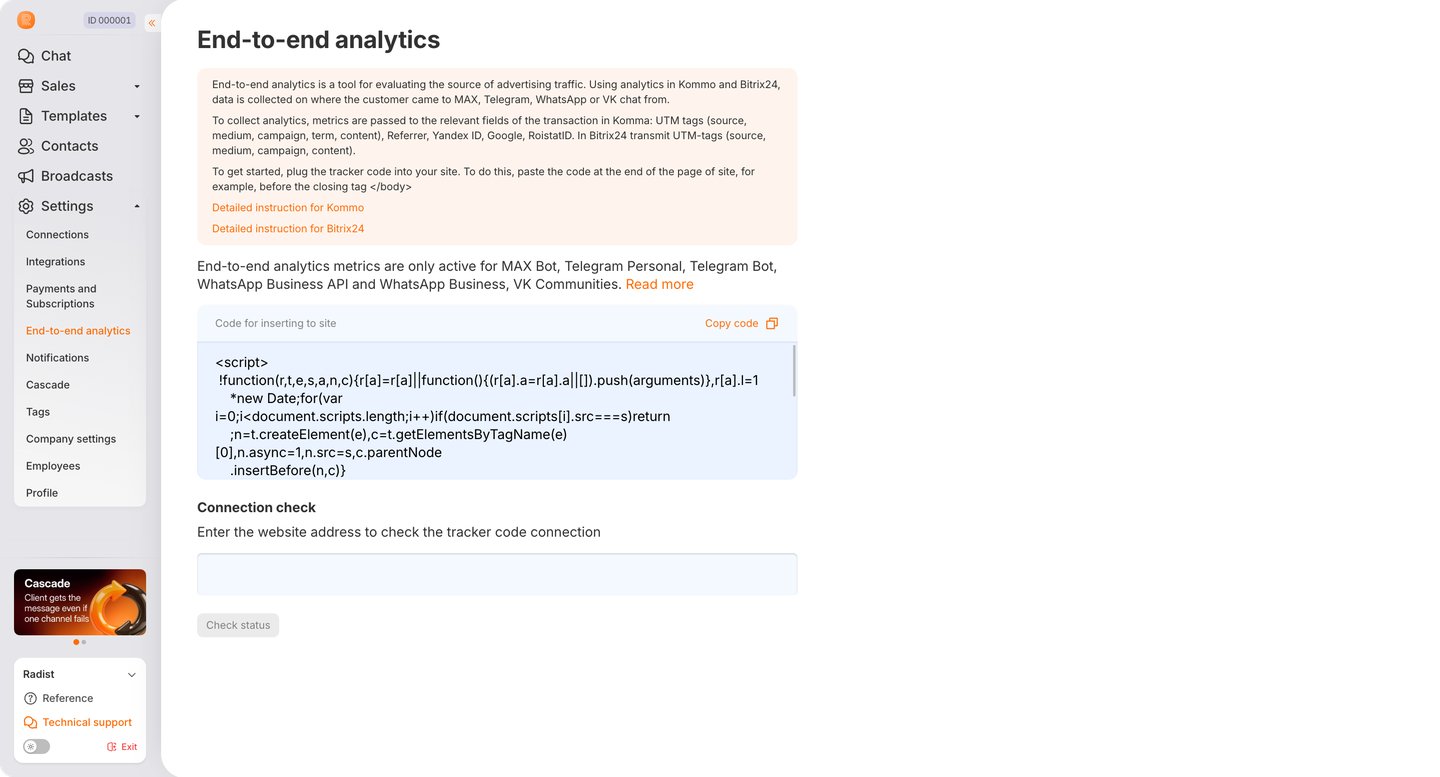
At the moment, with the help of our analytics, you can collect end-to-end analytics tags using WABA, WhatsApp and Telegram bots in Kommo.
In other cases, this functionality is not supported.
To set up end-to-end analytics for your company, follow the instructions for connecting the tracker to the website: LINK
❗️ To set up end-to-end analytics, contact your site administrator.
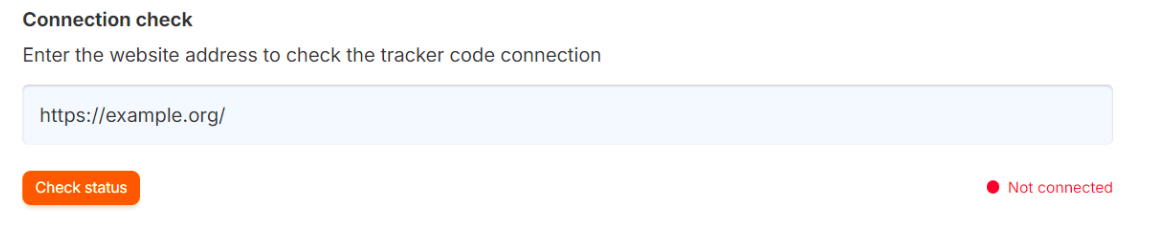
Checking the connection status:
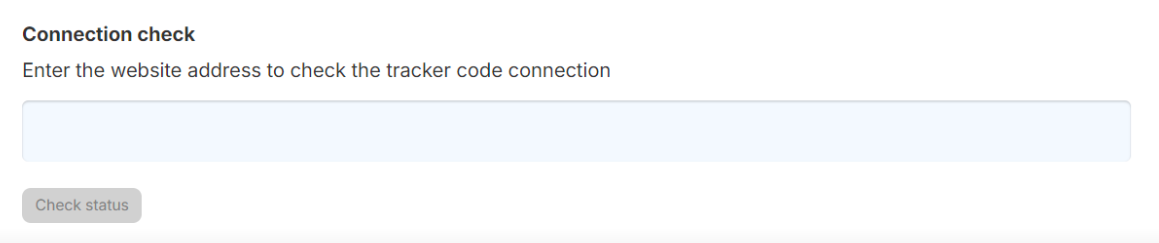
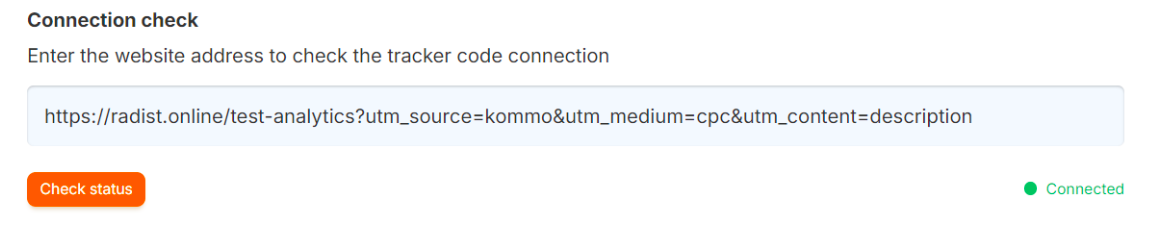
When you click on “Check status” at the site address entered in the field, it checks whether our tracker is connected to the site.
⚠️ Important: You must enter the address of the site page where the tracker CODE was inserted
If the tracker is successfully connected, the status will be connected :
If the tracker is not configured on the site, the status will not be connected: